Category Archives: Technology

Ted McCarthy

Theodore McCarty (October 10, 1909 – April 1, 2001) was an American businessman who worked with the Wurlitzer Company and the Gibson Guitar Corporation. In 1966, he and Gibson Vice President John Huis bought the Bigsby Electric Guitar Company. At Gibson he was involved in many guitar innovations and designs between 1950 and 1966.

This documentary was initiated by a Mary Spender video mentioning the man.

After retiring, he passed all his knowledge on guitar making to Paul Reed Smith of PRS Guitars,

MediaPlace

MediaPlace (Download Now, It’s Free) – (Sort of)

The interface appears to be in Windows Dark Mode. But in Win11 you get an accent colour around the windows of an application. This does not happen with MediaPlace. It’s a minor annoyance but indicates this is not a normal Windows application.

It will generate AI images but will use “credits” which appears to be the intended income stream.

For $8/month ($96.year) you get 100 credits but not all the AI features.

These include:
AI Cloning
AI Trainings
Face Swapping
Smart Fill
Reinagine

For the full feature set pay $24/month ($288/year) for 500 credits.

You can buy more credits $30/500 however I presume these will only apply to the version you have.

It seems unnecessarily complicated. It would be easier to provide
the full AI set and sell the credits by the bunch for all the AI generation tools.

A major feature is the auto-tagging. This is very helpful. It will identify people, objects and environments. It will create a “Main Colors” palette, but what would be more useful, especially for photographers is identifying images that need levels correction if they are too dark or light.

Another problem with the program is that it insists in placing the database and all the thumbnails in the root directory of the folders to be scanned.

This means that it will be included in my backups. Which is what I don’t want. It would be OK if it was just the database, but all the .webp images
get scanned into my jRiver Database.

Now for the good stuff:

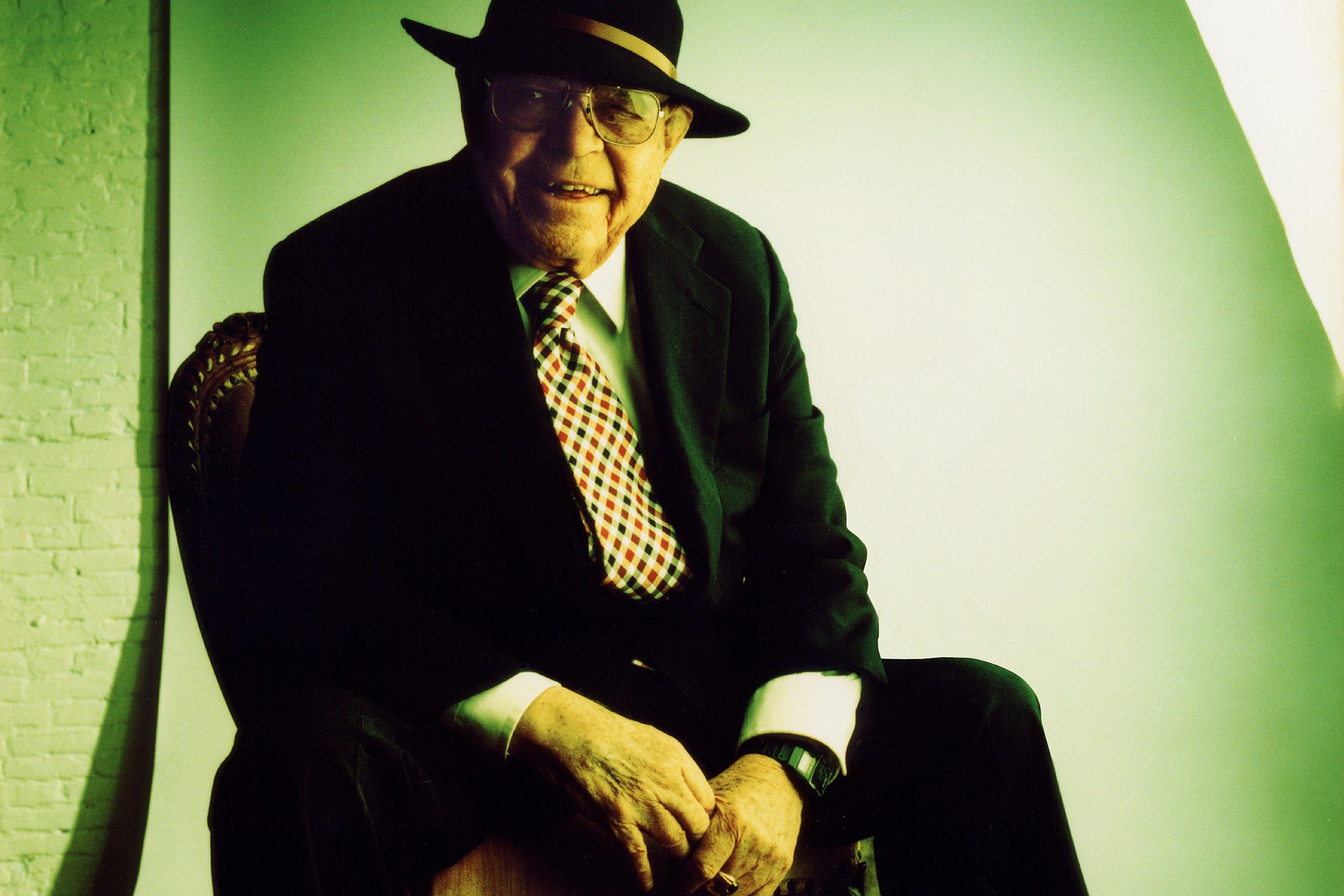
The AI image generation is good and does not appear to to suffer from the extra limbs and fingers previously seen in AI generation tools. I could use ‘in the style of’ prompts and get a good likeness to well known people (Howard Shore & Neil Innes). And that’s me above.

But it does the usual American bad spelling (Color) and puritanical attitude to the stray nipple or hint of too much skin.

After a day of sign-up I got a 700meg bundle of stuff that included fonts,
icons, SCV images and MP3 files. The Icons and SVG could be useful as getting quality vector art for free is unusual.

AI Cloning looks interesting, however I have not tried this yet as it will require time to assemble a set of photos of one person.

Speech Generation is fun. There are about 90 voices available, and they do a good job. What I found missing was a way to provide pauses or emphasis in the delivery, as is needed in “Eats Shoots and Leaves”. Some form of imbedded tags could do this, e.g. “Eats (pause) Shoots and Leaves”.

Images can be subject to Background Removal, Color Burst, Smart Fill, Prompt Editing Object Removal, Text Removal and Expand.

The background removal, while impressive is not perfect and any automated process will always require refining in the final image.

But again, the “Prompt Editing” requires upgrading to the Pro version.

The most impressive thing this program will do is “Upscaling”. Taking a low-quality image and adding detail and smoothing (removing jpeg artifacts) I had not seen before. After some internet research, other programs will also do this.

For what this will do in the free version is impressive, and adding
the extra credits to continue is value for money.

I just wish they would change the business model so everyone could buy credits for all the features. This would mean changing from a time based ($/month) model to a use based ($/credits) one.

They are competing with other software in this space, so they need to keep developing. Maybe adding face recognition for name tagging would be a good next step.

So it will staying on the PC until the credits run out.

But I will not be letting this loose on my main folders of 60,000+ photos
but restricting it to a few.

Software on Trial

Why do software companies insist on 30 Day Trials ?
I get that they want to get paid for their work, but time limited trails are a dumb idea.

Because it happened to me again. I tried StarDock Fences as a way to organize my desktop on the new Windows 11 machine. In the end I did not purchase it. But during the Christmas break I looked at the issue again. But when trying Fences, it would not work as the trial had expired. There goes another happy customer.

This has happened with previous software. I have a bunch of applications at Plugin Boutique where the trial has expired.

There are alternatives to these limited trials. The best in music production is U-He, who insert a small buzz sound in the output from their synths.

And I currently have Sibcode Junior Icon Editor (it’s free) but has a more powerful option; “Icon Studio” for $40 US.

If you are in a creative industry, there will be times as the beginning of your learning curve that you may test software and not understand how it works.

But with a time restricted trial, it is not possible to go back and re-evaluate products.

Pop!

Pop! Linux

This looked like a potentially good Linux distribution. The windows have a distinct outline. When they overlap in dark mode, they are easily distinguished.

And it has a separate program launcher,

Installing was done twice, the first time I did not remove the SD Card, and it rebooted to the removeable drive. Previous installs had prompted when to remove the Card. Eventually it was ready.

I can’t get the second monitor to work correctly. The top bar and launcher are copied onto both monitors. While windows can be dragged across, this is a weird way of doing things.

It turns out that the launcher cannot be moved. Programs can be pinned to the launcher, but I can’t re-order them. Getting the applications comes from the ‘Applications” menu at the top of the screen. And it is not possibly to drop any icons on the desktop.

The adventure game Kathy Rain will run, but only in windowed view. And it has extremely glitchy sound. The mouse is too small, with no way to change it.

This is very underwhelming. It has the utility of the Atari ST interface from 1985.

RocketDock

RocketDock is our classic app launcher loved by millions of people for almost 20 years. It lets you zoom through your shortcuts like a rocket with its buttery smooth interface.

At last, a solution to my design problem with Windows 11 (and 10). The idea that you should create a bar at the top (or bottom) of the screen that displays information, active programs and icons for inactive programs seems wrong.

Fitts’ law explains that the greater the distance between a pointer and a target, the longer it takes for the pointer to reach the target. However, the size of the target has a direct impact on the time required.

So the function of a bar to convey information is different to an icon that a mouse needs to hit. Obviously, program icon needs to be larger, and the information bar can be smaller.

You could put all the icons on the desktop, but they quickly become obscured by programs. What is needed is an easily accessible launch bar that would hide when inactive. I realised what the solution was when evaluating Linux Ubuntu.

RocketDock provides the solution. It provides a sizeable dock that con go on the side. It is scrollable, so the number of icons is not fixed. And each icon pops out as the mouse hovers. Here is part of my desktop.

Zorin & Ubuntu

It took two attempts to install this.
The first time with “Modern” Video Drivers, the second time without.

Zorin has this really annoying feature where if an application window is moved to the top, a dropdown of possible layouts is shown.

Windows 11 does this, and it was one of the first things I deactivated.

Can’t find out what it’s called an how to get rid of it.
I already hate this Linux Distro. Moving on….

The Install appeared to be quick but there were updates and additional software to install. The taskbar at the top is a good sign, but the icons on the side is new to me.

The top bar turns out to be less useful, it just shows the date, and a few settings, including power options. The icons on the left can be configured by adding more, sorting and resizing.

But there is no way to put program icons on the desktop. In comparison to others, this is a cleaner, simpler interface. For now, it can stay on the PC as it offers an easy way to view videos, make notes and read documentation.

I’m not using Linux is for productivity. The applications, mainly graphics based are just not up to the standard of the Windows programs I have. And it is clear that technical skills needed to install and configure these operating systems are just not what an average person would choose to do. They want a box they can plug in and will work.

And another thing….
“Free” is a bug, not a feature. When you pay for something, it establishes a relationship between a developer and the users. It has become apparent (from youtube videos) that most of these people get advice from user groups.

Also, “freedom from choice” can be a good thing. If there were only a few versions where all the features were focused to, they would be better.

But the worst thing I heard was that major upgrades to the distros was five years. And they are not simple upgrades. Rather they trash everything on your HD for a fresh install.

So despite to use of Linux rising (I heard 6%) it is unlikely it will ever reach the command of Windows or Apple.

Microsoft seems hell bent on destroying itself by inserting AI into everything.

So the result will probably be to the advantage of the 30 percent of everything Apple Corporation.

Mint 1

Linux Mint Installation – Day 1

Installing Linux Mint Cinnamon on PC Running Windows 10.

The first problem is figuring out what the key is used to get to the bios and reboot from the SD Card. After a few tries, this was F2.

Running Mint from the SD Card provides a simple interface with a “Install Linux Mint” ICON. I ran it and pushed Windows 10 off the machine.

At the end it prompted for a reboot, so I removed the SD Card to reboot.
It promptly crashed the PC.

So I resorted to “Turn it off then On”
Mint booted and it appeared to work.

First I used the update manager to install updates.

Then changed the theme to dark mode.
The first thing noticeable is that the upper corners of a window are rounded, but not the lower. A quick search reveals that this is a design choice as content could extend to the bottom of window.

The second problem is that there is not an accent colour on the windows.
This is important. In dark mode, with overlapping windows it can be difficult to discern the break between windows. Windows 11 has a feature to ‘Show accent color on title bars and window borders’
I will get back to this later. It could be a feature of other Themes.

First install is jRiver.
This installs easily with a single line at the terminal,

The program works, but I need to copy some music to the PC
Time to bring out my favourite utility, Total Commander – which does not have a Linux version. BUGGER.

Windows file explorer is the single most annoying program Microsoft made. If you need to copy files, it means opening two versions or copy and paste There are better applications with two windows, like Total Commander, which has been around since 2015!
Why Linux distros persist in copying crappy Windows programs is beyond me, especially when there are better alternatives.

Alternatives:
1/ Midnight Commander has a DOS character based interface, So NO

2/ Krusader
Is a windowed application and proved to work.

Now I just have to cope with this weird directory structure

I have copied some music and my Personal Data Folder across, now to find programs that will deal with the various data formats.

FastStone Image Viewer has no Linux Version, the best alternative appears to be gThumb.
This works OK for basic colour manipulation, cropping and resizing but it does not have batch processing.

Installed GIMP, a program I have used, but this is the new version 3.
And Inkscape, If I need it. I use Affinity on Win11, so this will be a downgrade.

Lets Try Gaming

Installed Steam, I have lots of purchased games there.
Installed Ceville, an adventure game
Well, this crashes

Tried “The Inner World”
This Works.

And Factorio crashes.

In summary, for day 1…

Things I Like

  1. Windows do not tuck under the taskbar when it is at the top
    This is a constant problem with Windows 10 & 11.
    https://bakernda.blog/2016/10/19/windows-taskbar-location/
  2. The lack of junk, and spending a day deactivating unnecessary stuff.
    (Still doing this with Win11)
  3. The Software Manager. This central repository for applications makes the operating system more like the Android Store.
    Applications are easy to install… until you come to something (Reaper)
    that is not in the store but has a Linux version.
  4. Some of the Steam Games work on Linux

Things I Do Not Like

  1. File and directory names are case sensitive
  2. The strange file structure and new commands needed on the terminal.
  3. There appears to be no ability to have the graphic elements:
    Background, Mouse Pointer, Application Colours, Icons etc
    to be saved under a single theme, like Windows.
  4. Some of the Steam Games DO NOT work on Linux.

RoboCopy

Explained above, this is the backup tool I have been looking for. And it’s been in Windows 10 all this time.

It will copy and mirror one directory to the same on another drive. Using the command line:

robocopy C:\Datac D:\Data /MIR

Directory Opus 13

Considering how long this has been going, it’s surprising I had not heard of this before. The intention is to replace and improve on the Windows explorer. And it does this in spades.
It’s configurability is up there with the DAW Reaper. In it’s basic mode, it presents two panes, where files can be moved from one folder to another.
As a long time user of Total Commander, the question is… is it better.
The easy answer is yes, while Total Commander retains it’s 1990’s design aesthetic, Directory Opus is very much a modern program.
And it does the common job I expect it to  – file renaming. It does this to a programming level of detail.
It also boasts a lot of extra features:
Advanced searches
Creating Archives of files
Duplicate finder
Empty folder remover
MP3 tagging
Image viewing, resizing, rotation.
However in the end I’m not buying it as the advanced features it has, I already have in existing free and paid software.
Advanced searches [jRiver, DOS, Total Commander]
Creating Archives of files [abeMeda]
Duplicate finder [Duplicate Cleaner Pro]
Empty folder remover [Duplicate Cleaner Pro]
MP3 tagging [mp3tag & jRiver]
Image viewing, resizing, rotation. [FastStone Image Viewer]

3 Seconds

When you get a collection of 200gig+ of music stored on your PC
and phone, and still want more space becomes a problem.

Here is my solution…

Create a MP3 file in Audacity by generating three seconds of noise.
Save this as a 64kbps MP3. It should be about 24KB. If it’s too short, the MP3 player will not recognize it and if too long, just a waste of space.

Now get the cover artwork for the album.
Reduce it to 500×500 pixels and save at 80% compression.

Open the file in MP3 Tag and fill in the metadata: Artist, Album etc.
Duplicate the Album title in the Track title.
With a cover this should create a file around 100KB.

That’s 10 to the megabyte, 10,000 Album references to the Gigabyte.

In my MP3 Player, PlayerPro for Android these MP3s integrate into
all the other music albums. Instead of playing the MP3, select the search
function. The application takes the metadata – Artist + Album and returns links to
– Any Wikipedia entries
– Videos in YouTube
– and the location of the Bandcamp or Spotify streaming site.